
Your customers wait months. They want to know what’s happening.
A van build is a big purchase and a long wait. Without one place to check in, every update lands on your team.
“How’s my van coming along?”
The same check-in arrives by email, text and phone, from every customer, every week. Someone on the floor stops to answer it.
“Which layout did we sign off on?”
Specs, options and photos are scattered across inbox threads. Nobody is quite sure which version is the latest.
“Did anyone get back to them?”
Questions get buried and status lives in someone’s head. Customers feel out of the loop, and your team feels it too.
BuildHub fixes this. One portal per build, with status, files and questions in one spot, always up to date.
Built around the camper van build journey
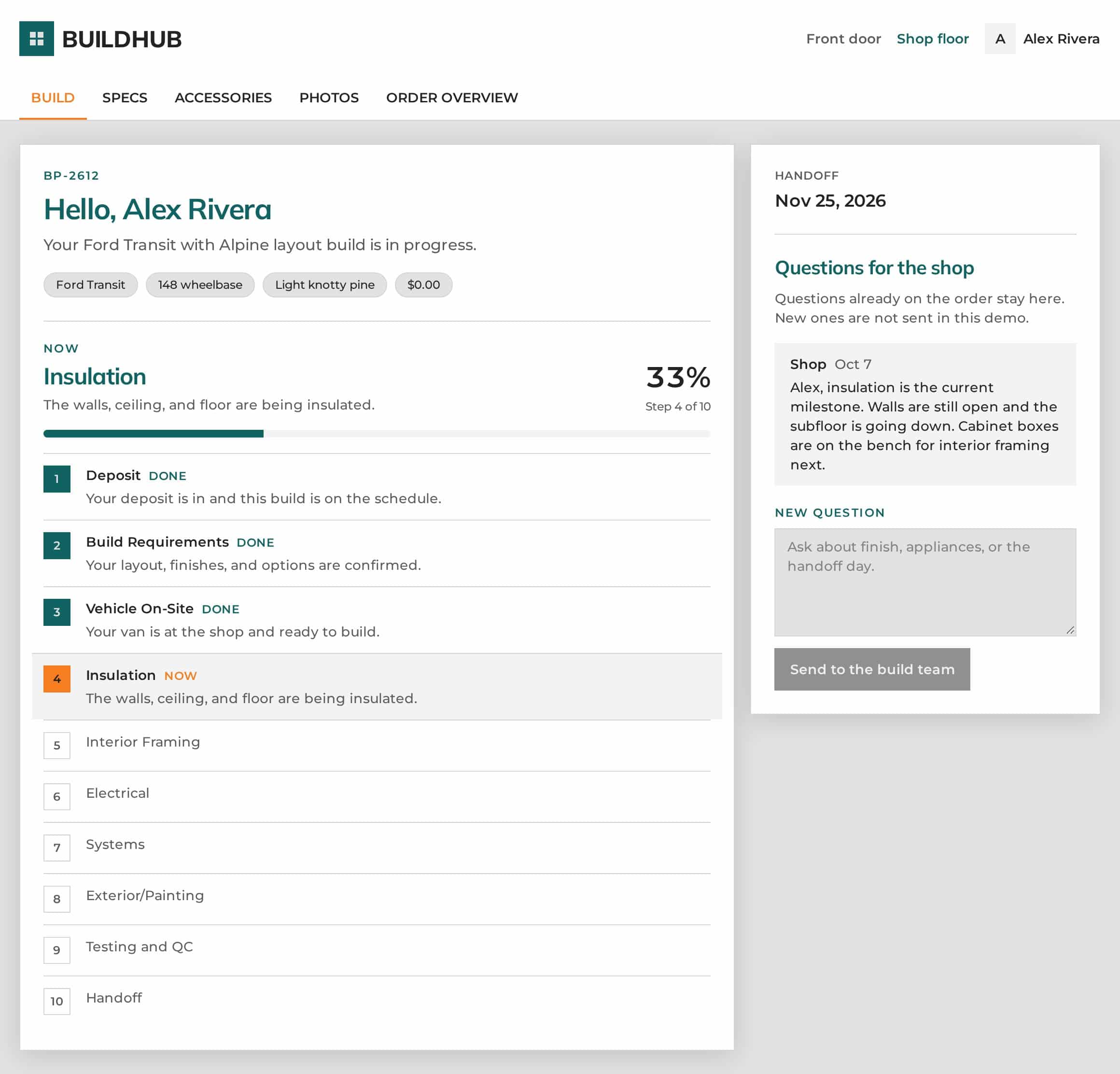
BuildHub follows the stages your shop already works through. Your team marks progress, and your customer sees what’s done, what’s happening now and what’s next.
On the schedule
The deposit is in and the build has a spot on the calendar. The customer gets their portal.
Design & layout sign-off
Layout, finishes and options are confirmed and kept on file as the spec.
Vehicle arrival
The van is at the shop and ready to build. The customer knows the wait is over.
Every stage, visible
Progress and photos at each step, with a clear percent complete.
Insulation · Interior framing · Electrical · Systems · Exterior/painting · Testing & QC
Delivery day
The handoff date is on the customer’s screen from day one, so delivery is no surprise.
These are the stages in the demo. Your portal uses your own. See how BuildHub is customized →
What your customer sees
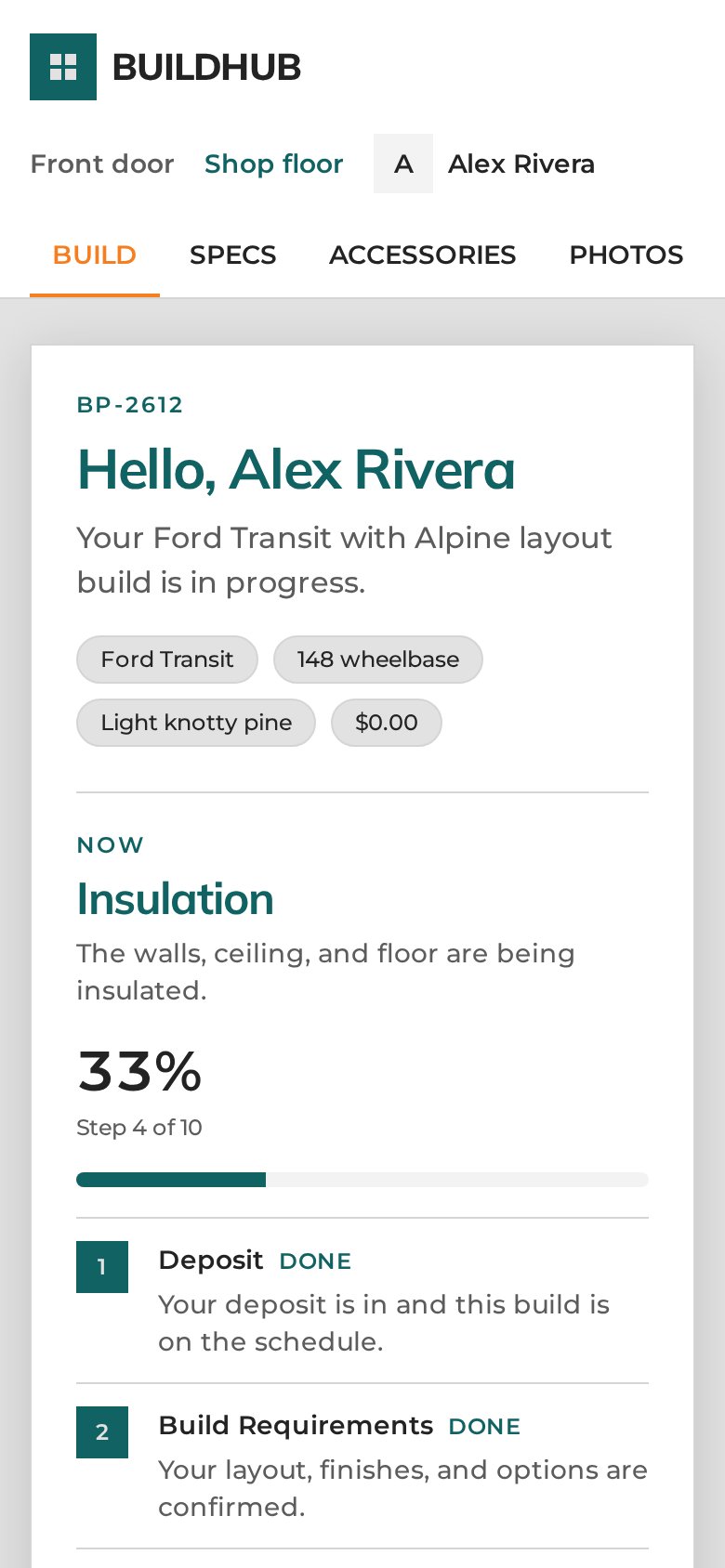
Open the portal and the answer to “where are we?” is right at the top.
- The current stage, in plain English
- Percent complete and “step 4 of 10”
- Every finished stage marked done
- The handoff date, plus a thread for questions
 Customized for your shop
Built around how you build, not the other way around
No two conversion shops run production the same way. BuildHub is customized to each builder’s production process, build stages, branding and business requirements.
Your customers get a portal that feels like your shop. Your team keeps working the way it already does.
Your production process
Set up around the way your shop moves a van from deposit to delivery, so the portal matches what happens on the floor.
Your build stages
Your stages, in your order, with your names. Customers follow the same steps your crew works through.
Your branding
Your shop’s look, so the portal feels like part of your business, not someone else’s software.
Your business requirements
The details your orders need, set up to fit how you sell, spec and deliver your builds.
Everything a van build customer asks about, in one place
A professional portal your customers will actually use, built for the way van conversion shops work.
Live build status
Every stage from deposit to handoff. Customers see where their van is now, what that means, how far along it is, and the planned handoff date.
Questions for the shop
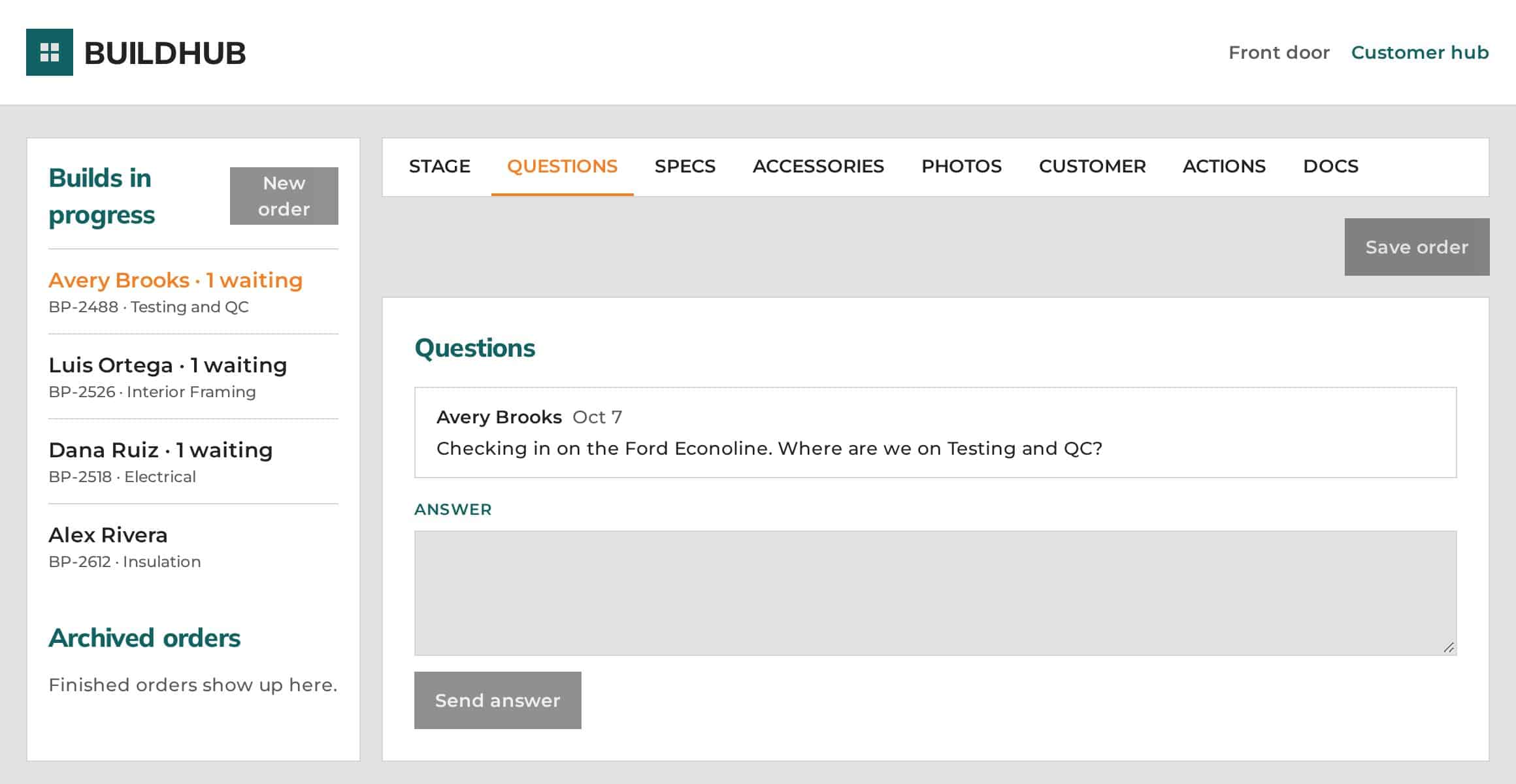
Customers ask in the portal and answers show up in the same thread. No more digging through email chains.
Notified when it needs action
When something needs a response, BuildHub sends a notification. In the shop view, builds with an open question are flagged as “waiting.”
Progress photos by stage
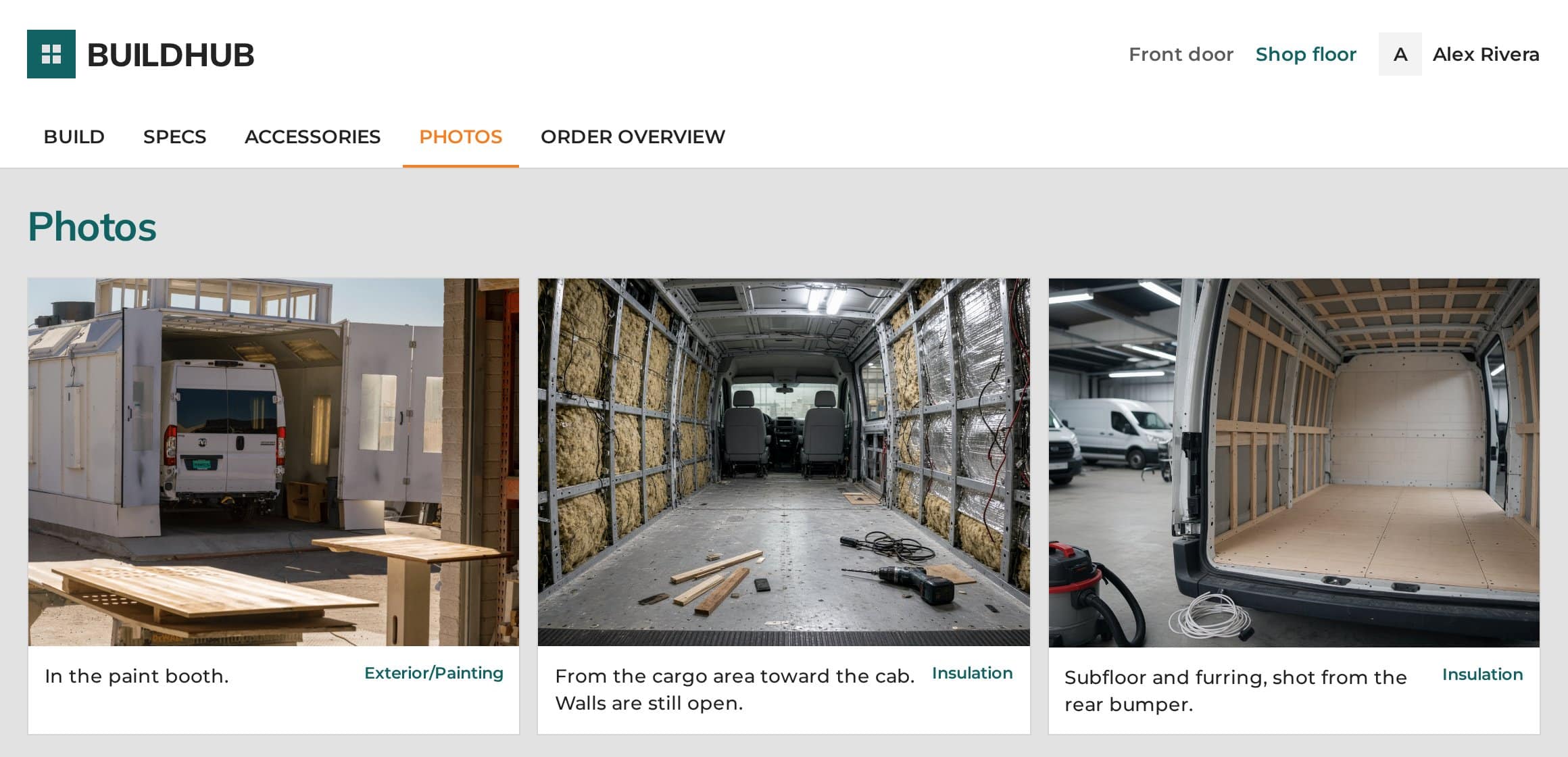
Upload a photo with a caption and customers see it alongside the build stage it belongs to. They watch their van come together.
Docs and blueprints
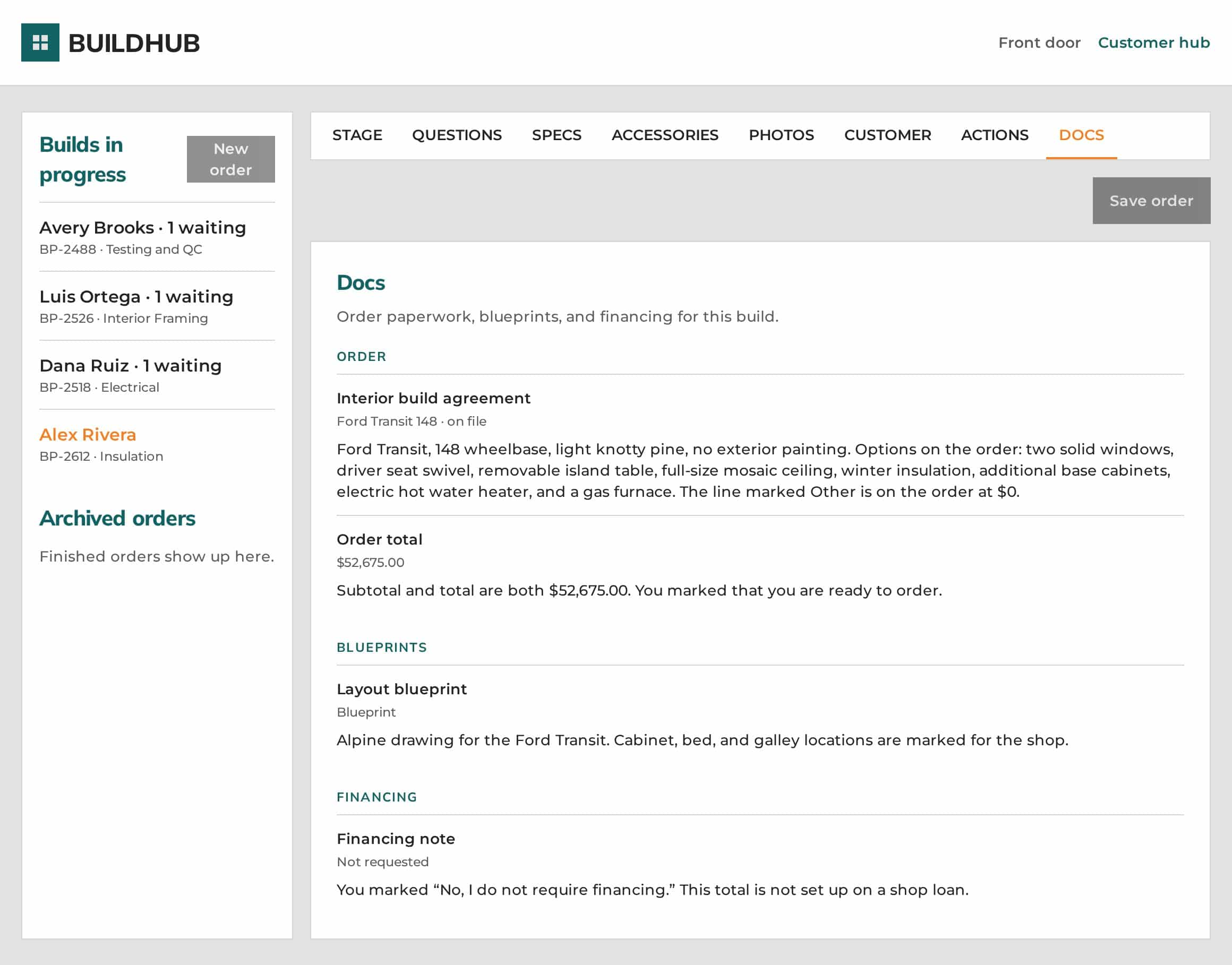
The build agreement, order total, layout blueprint and financing note live on each order, so the latest version is always in one spot.
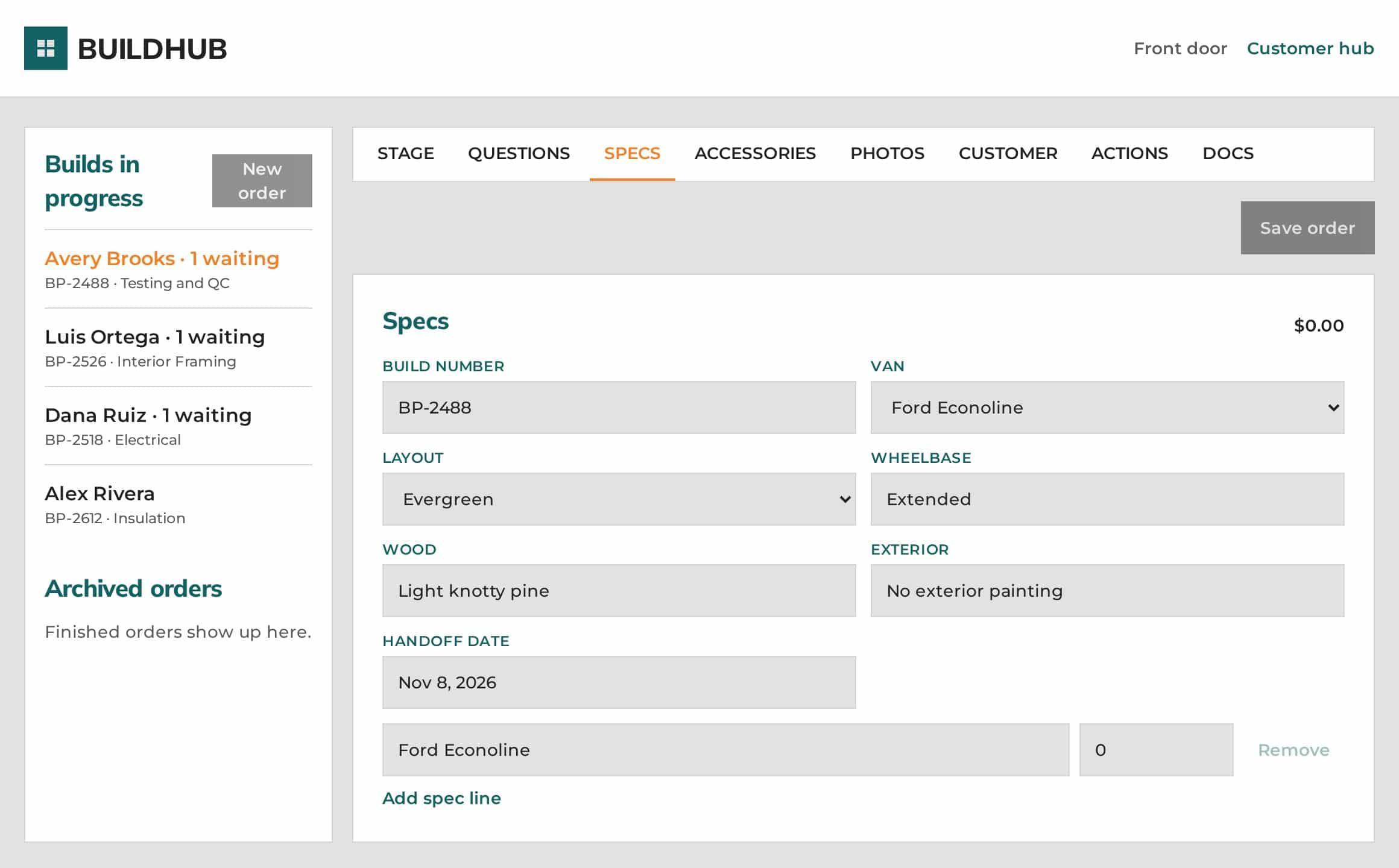
Spec on file
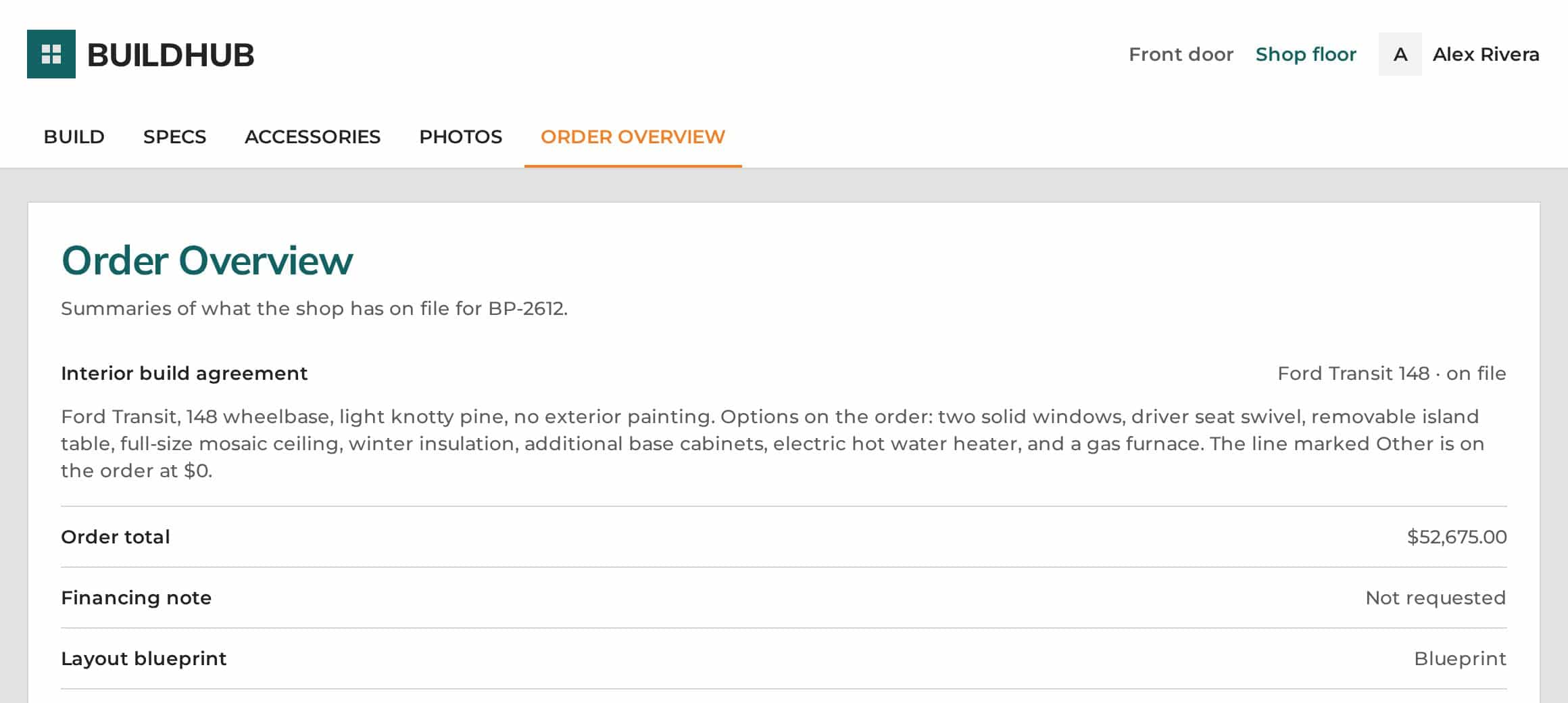
Van, layout, wheelbase, wood and exterior, plus a plain-English order overview. Never “which PDF was final?”
Custom requests & accessories
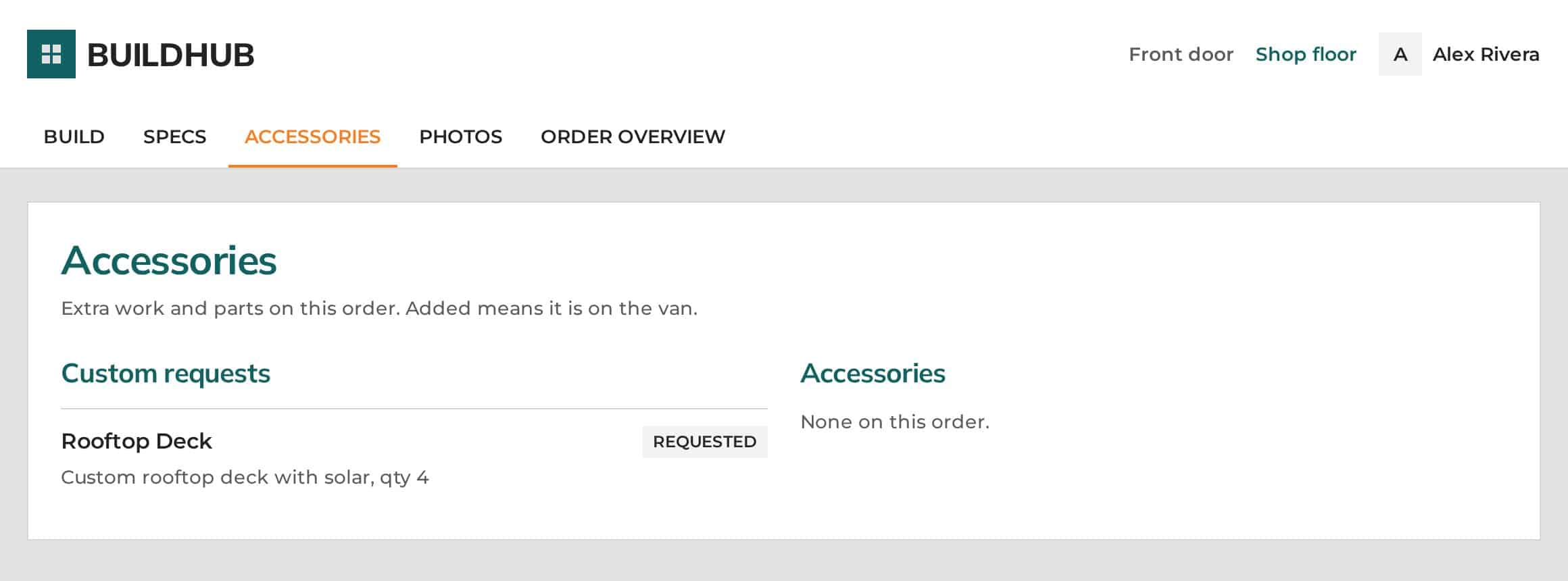
Track extra work and parts on each order. Customers see what was requested, and it’s marked added once it’s on the van.
Shop floor dashboard
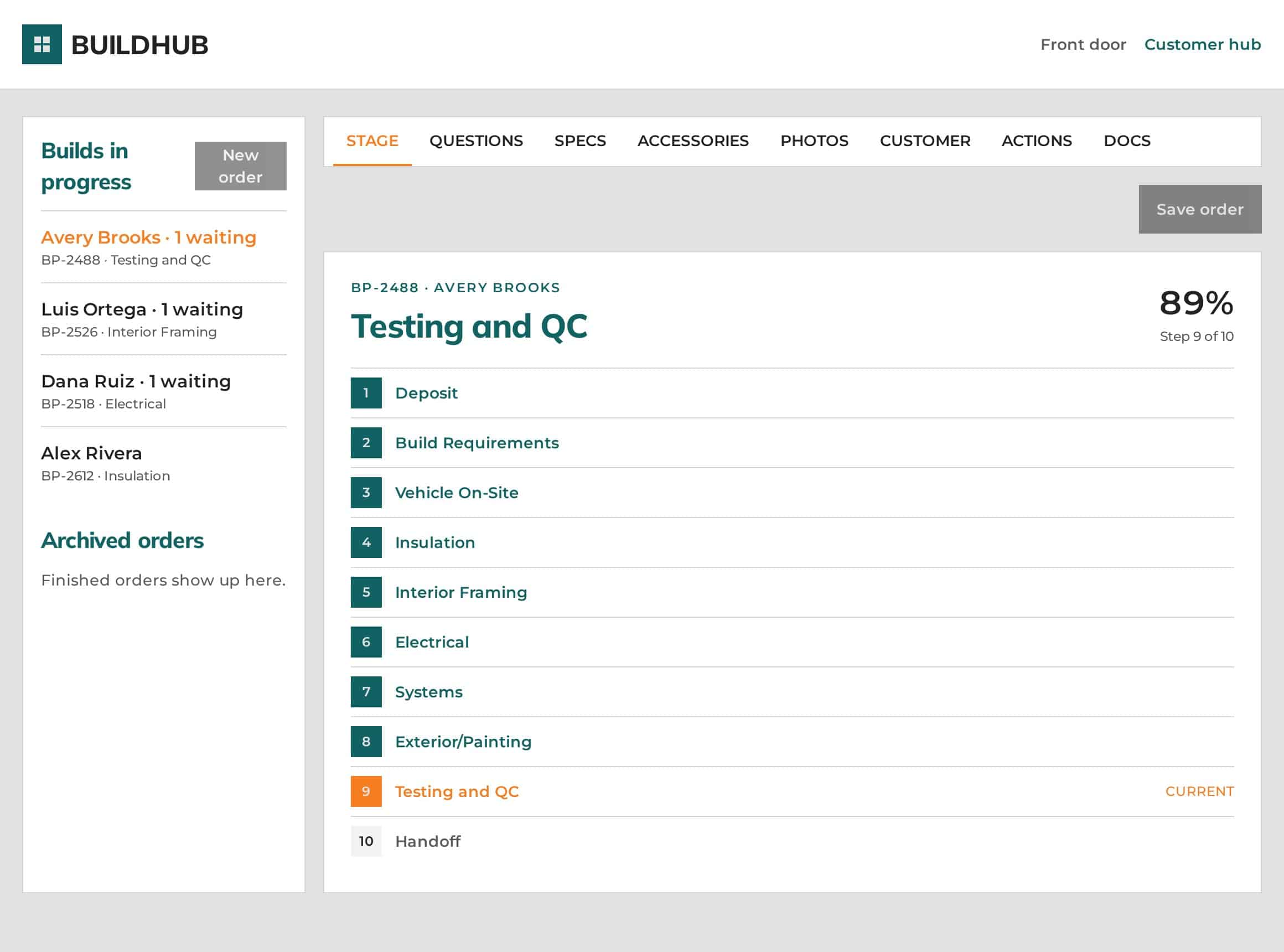
Every build in progress in one list. Open an order to set its stage, answer questions, edit specs, add photos and check docs.
Customized to your shop
Your production process, build stages, branding and business requirements. Learn more →
Better for your team. Better for your customers.
Shop floor
Production communication that doesn’t pull people off the van.
- Every order in one list, with its current stage and whether a customer is waiting on an answer.
- Update a stage once and the customer’s view is current. No status emails to write.
- Fewer repeat emails and calls, because customers can check for themselves.
- A tighter internal process: specs, docs, blueprints, custom requests, photos and questions all live on the order.
- Start new orders, duplicate or complete builds, and finished orders move to the archive.
Customer hub
Real value added to every build, and a more professional experience from deposit to delivery.
- One place for status and files, any time, on any device.
- The latest version, always: spec, order overview, layout blueprint and accessories on file.
- Photos of their van at each build stage.
- A direct line to the build team, with answers kept in one thread.
- Their handoff date, right there on the screen.
- Their own sign-in that works on a phone as well as a laptop.
Take a look inside
Real screens from the live demo, shown with sample orders. Click any image to see it full size, or open the demo and click around yourself.
See it the way your customers will
Open the live demo and click through both sides: the customer hub and the shop floor. It takes two minutes and there’s no sign-in. Then book a demo to see how it would look set up for your shop.
Want to go straight to the production side? Open the shop view